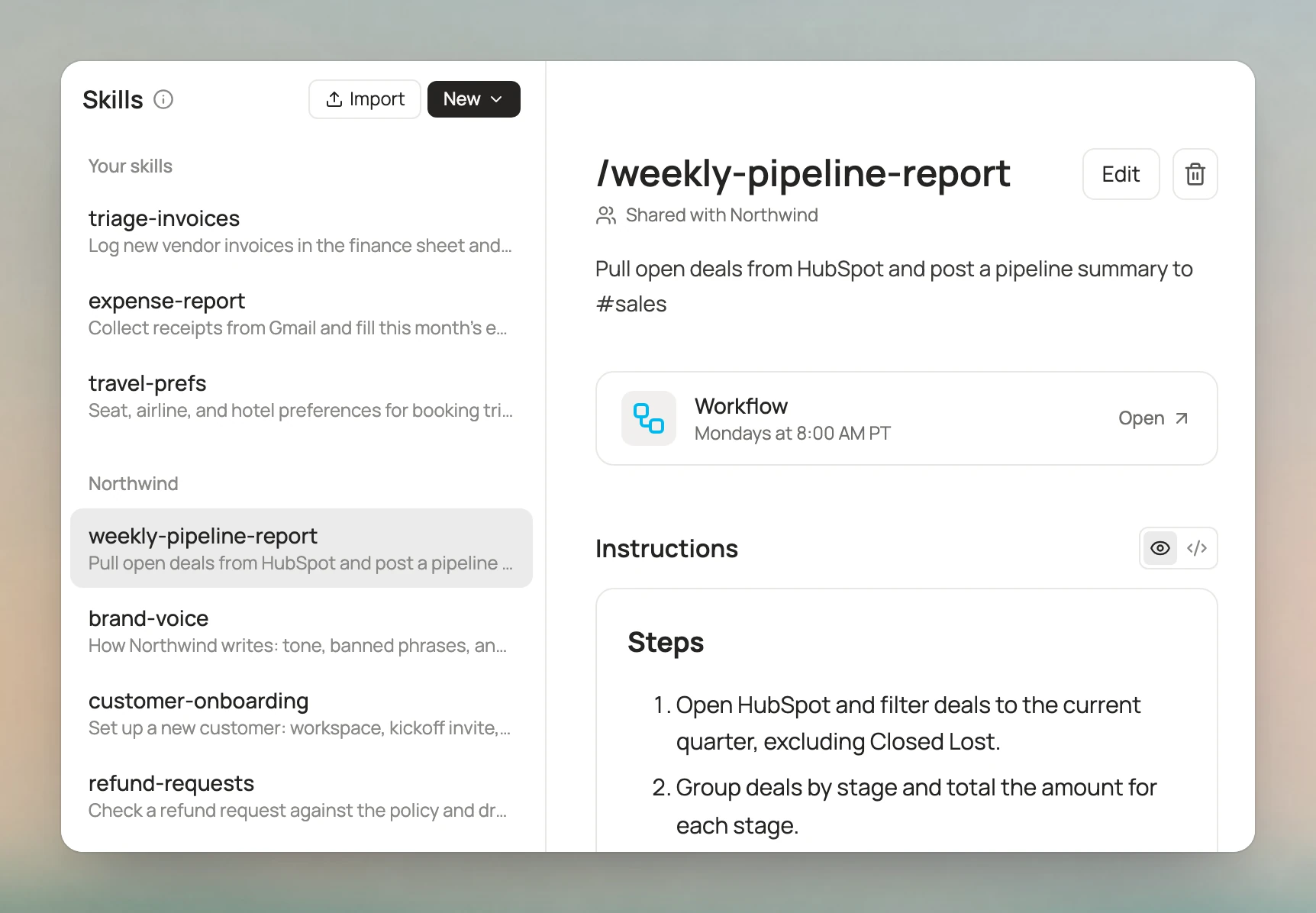
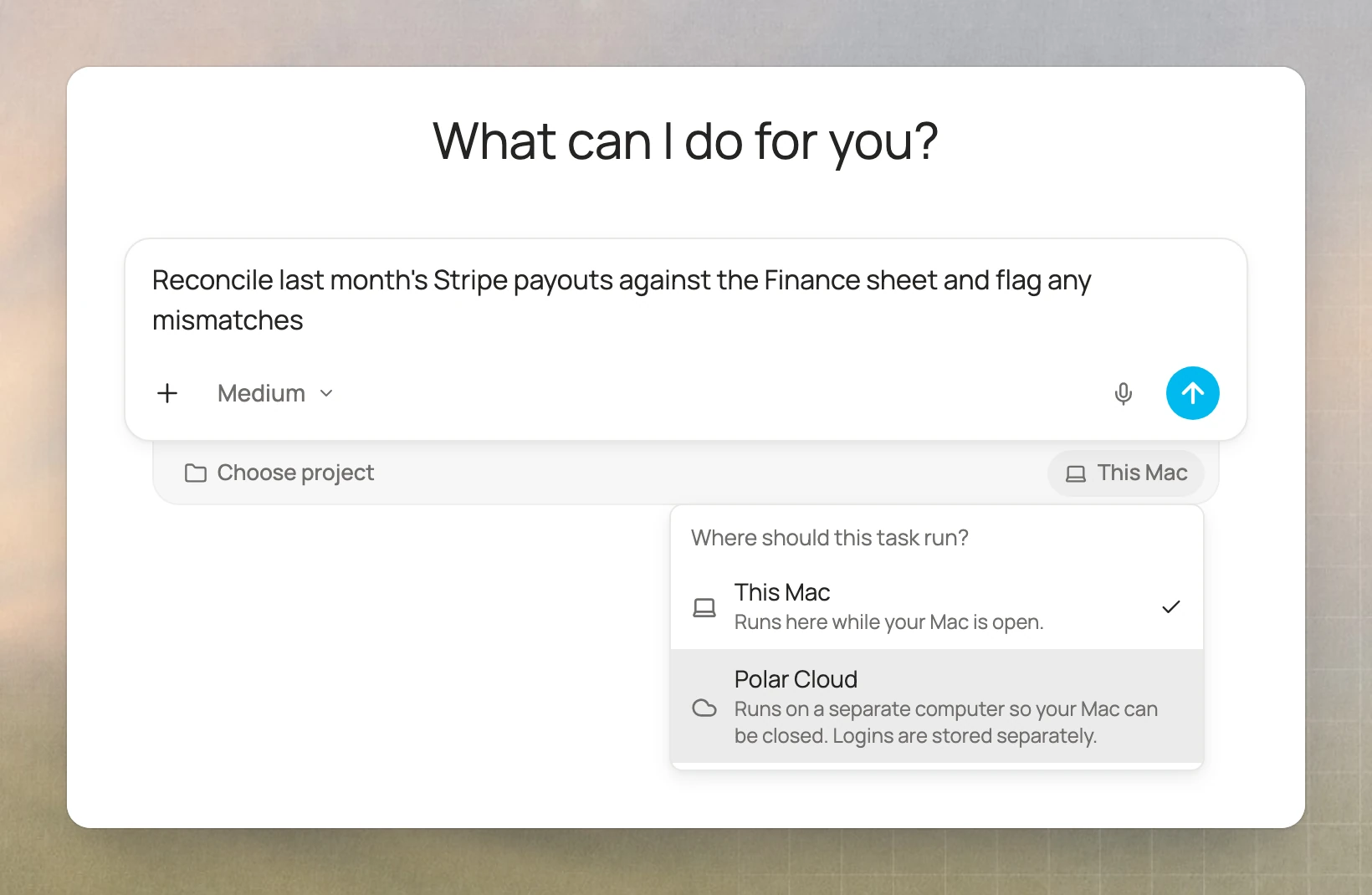
Trigger workflows from Gmail and Slack, and auto-resume tasks
Workflows can now run when a new email arrives in Gmail or a message is posted in Slack. And if you close your laptop mid-task, the task picks back up when you open it.
Workflow triggers
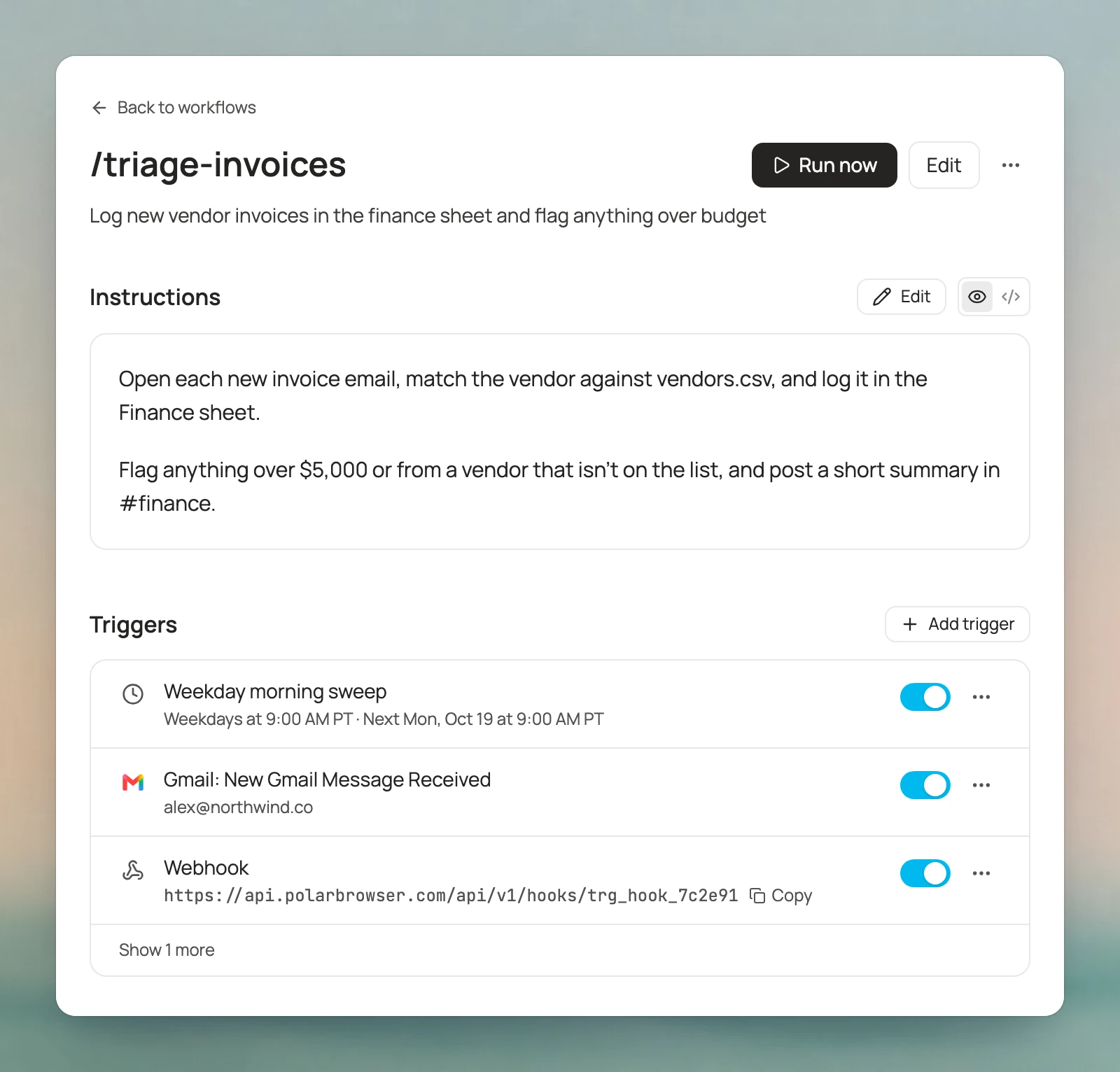
A workflow can now run when something happens in your apps, like a new email or a Slack message. Each workflow can have several triggers:
- App events from 23 apps, including Gmail, Google Calendar, Sheets, Slack, Outlook, HubSpot, Salesforce, and Zoom.
- Webhooks, so Zapier, n8n, or your own code can start a run.
- Schedules that repeat or run once.
You can pause each trigger on its own. If your computer is asleep when a trigger fires, the run waits until it's back. You can also ask Polar in chat to set up a trigger for you.
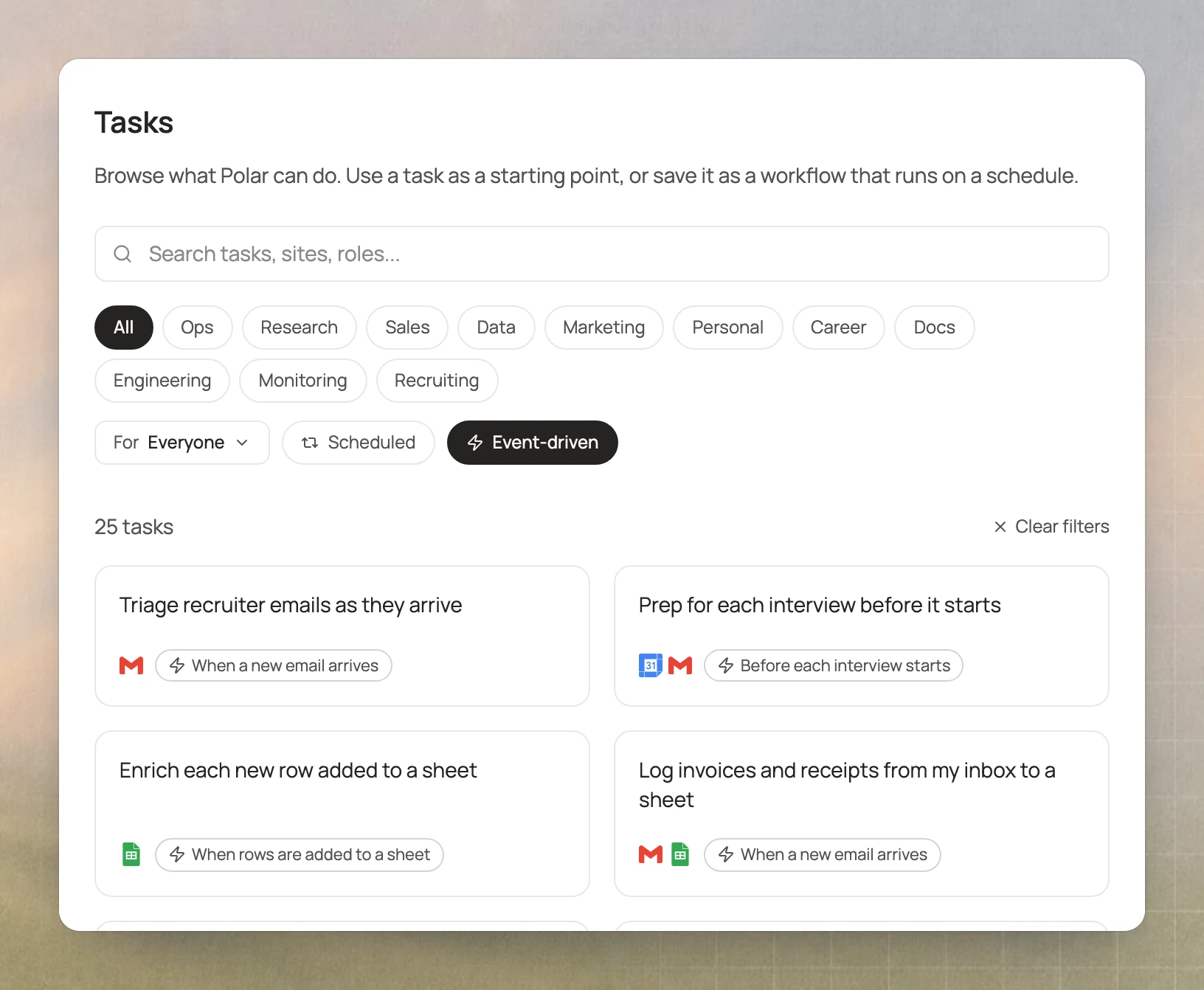
25 templates that run on events
There are 25 new templates that run when something happens. For example, one sorts recruiter emails as they arrive. Another turns bug reports in Slack into issue drafts. Pick Event-driven in Templates to see them all.
Close your laptop, and tasks pick up where they left off
Closing your laptop no longer ends a task. When you open it again, Polar continues the task by itself a few seconds later. You don't need to type "continue." This works as long as you're back within a day.
If your Mac only drops off for a moment, the task just waits and keeps going.
Also new
- Projects. Right-click a chat in the sidebar to add it to a project or move it.
- Google passwords. Polar now offers to save your password when you sign in to Google.
- Safer social accounts. On LinkedIn, Instagram, and Facebook, the agent works at a human pace to keep your account safe.
Fixes
- Zapier, Linear, PostHog, Apollo, Webflow, and Cloudflare connectors work again.
- On Windows, firewall and antivirus apps stop asking for permission after every update.
- The sidebar loads faster.